REC ●

A security camera image troubleshooting guide

Congratulations.
You recorded a blur.

Your cameras can be online, blinking, and recording—while being completely incapable of capturing the evidence you actually need.

Find out what’s wrong ↓
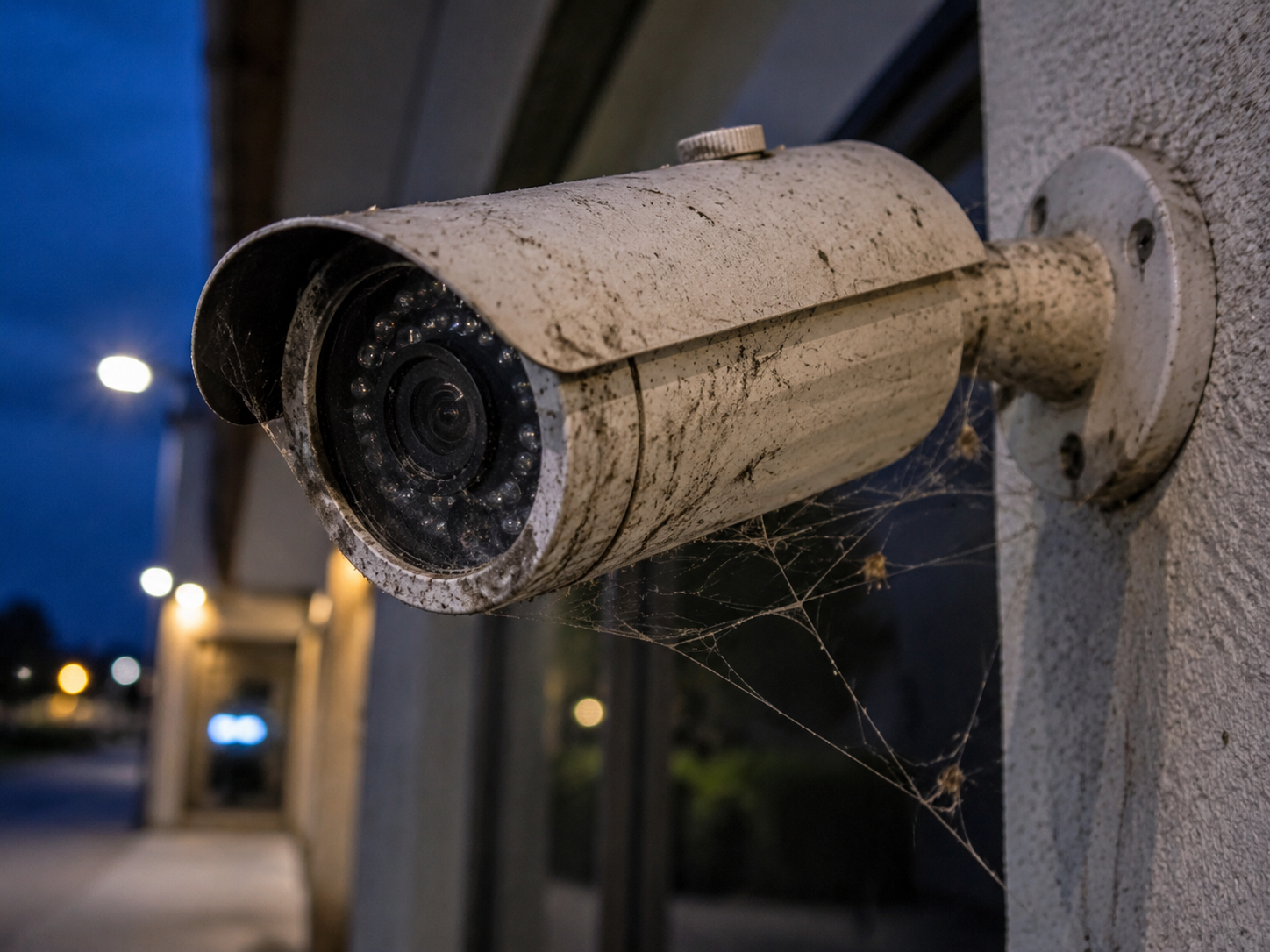
Neglected bullet security camera covered in grime and spiderwebsCAM 07 / LOADING DOCKIMAGE QUALITY: QUESTIONABLE
ONLINE ≠ USEFULRECORDING ≠ EVIDENCEDIRTY ≠ SECURE

Choose your particular disaster

What does the image look like?

Pick the closest symptom. We’ll tell you what is probably happening—and whether cleaning is the first move or it is time for a technician.

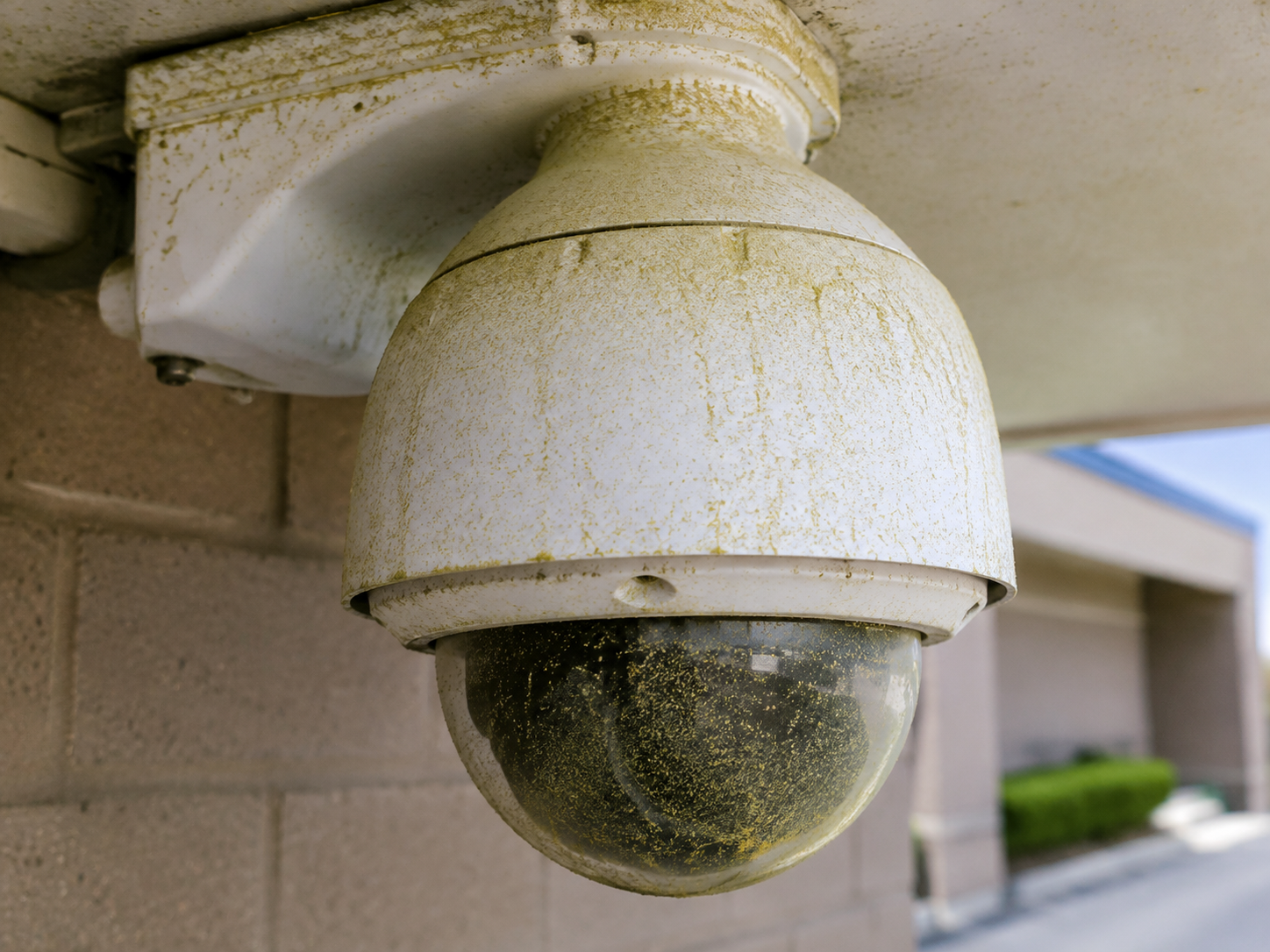
Dirty security camera example: Haze, pollen, grease, or residueCLEAN FIRST

Likely diagnosis

Haze, pollen, grease, or residue

What is happening
Fine contamination across a dome or lens scatters light and strips contrast from the entire image.
What to do
Inspect and clean the optics with an ammonia- and alcohol-free cleaner and clean microfiber contact. Verify focus and contrast afterward.
Use the right cleaning system ↗

The uncomfortable truth

The camera did its job.
Maintenance didn’t.

A recorded image is not automatically usable evidence. Contamination can hide faces, clothing, plates, actions, and direction of travel—while every system dashboard still shows green.

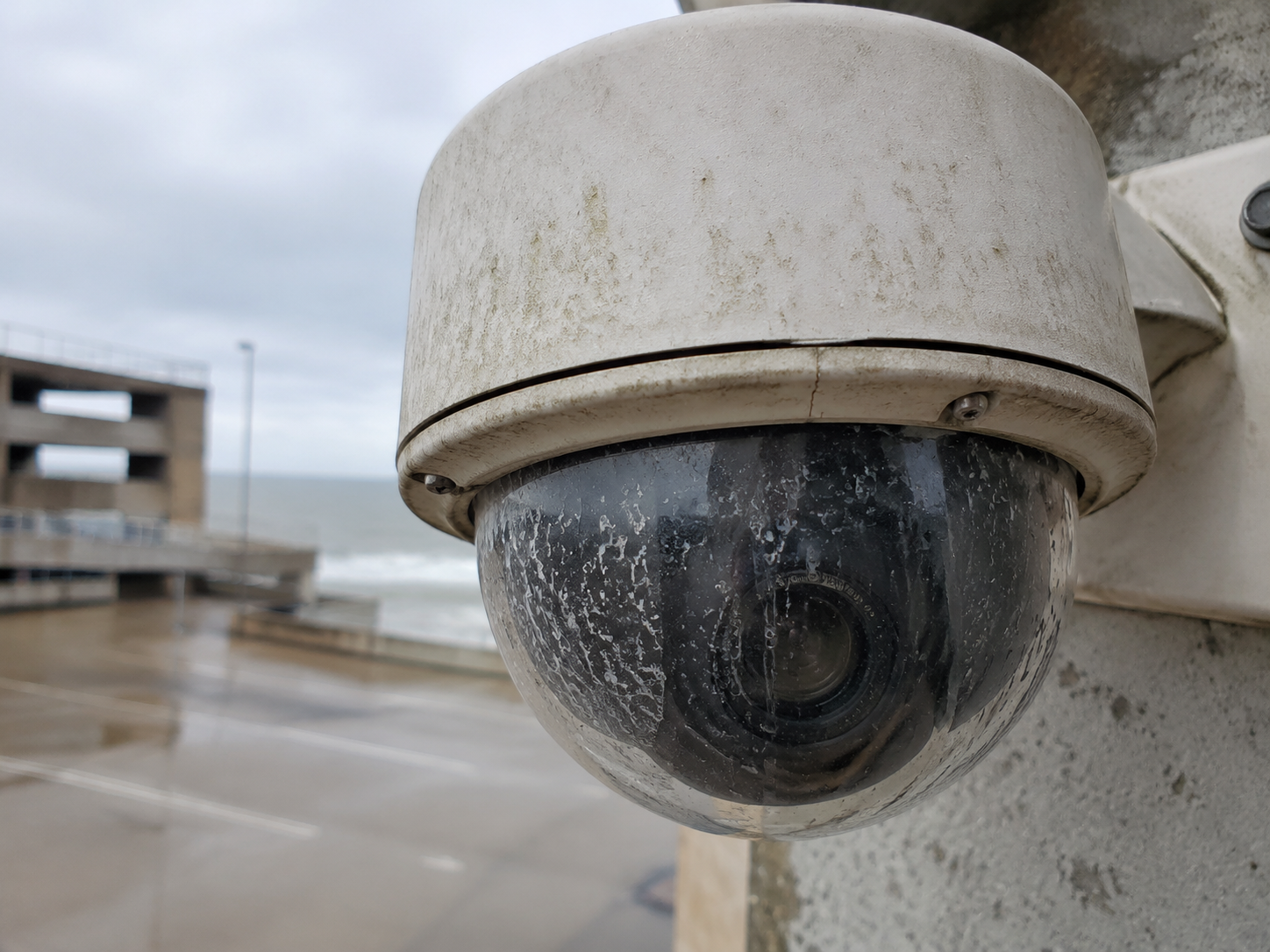
Dome camera heavily covered in pollen and road dust
Looks online.Sees through pollen.
Dome camera covered in water spots and salt residue
Records 24/7.Also records every spot.
Bullet camera covered in spiderwebs and insects
Night vision enabled.Spider vision included.

Six ways a “working” camera fails you

01

Blur

No identifying detail.

02

Glare

The subject disappears in light.

03

Webs

Night video becomes an insect documentary.

04

Bad aim

Excellent footage of the wrong place.

05

Condensation

A seal problem disguised as weather.

06

No verification

Nobody noticed until evidence was needed.

“The real risk isn’t a dirty camera. It’s the evidence you missed because of it.”

The fix is not complicated

Stop cleaning cameras like windows.

CameraShine is purpose-built for surveillance optics. Dome and bullet camera tools, washable microfiber bonnets, and ammonia- and alcohol-free cleaner help teams clean safely from the ground—without paper towels, household glass cleaner, or improvised poles.

Meet CameraShine PRO ↗
  1. 1InspectHousing, optics, mount, seals, wiring.
  2. 2CleanOptics-safe fluid. Controlled microfiber contact.
  3. 3VerifyDay image, night image, aim, analytics, recording.
  4. 4DocumentBefore, after, defects, next service date.

Security camera image FAQs

Blurry footage has a cause. Find it before you need the evidence.

Why does my security camera look blurry or hazy?

Dust, pollen, grease, water spots, fingerprints, condensation, or focus problems can all soften the image. Start by inspecting and safely cleaning the exterior optics. If the image remains soft, check focus, housing seals, resolution, bitrate, and placement.

What causes security camera glare at night?

Infrared light can reflect from dirty domes, water spots, spiderwebs, insects, nearby walls, or a poorly seated dome. Clean and inspect first, then review the nighttime image and adjust the IR settings or camera position if the glare remains.

What if cleaning does not fix the image?

Escalate to a security technician when the problem points to condensation, failed seals, loose mounts, damaged optics, focus, configuration, cabling, recording, or camera failure. Use the CameraShine maintenance checklist to document the findings.
Your cameras deserve better than “probably fine”

Make the image worth recording.

Clear video isn’t optional. Neither is maintenance.

Fix the view ↗Diagnose another camera ↑